
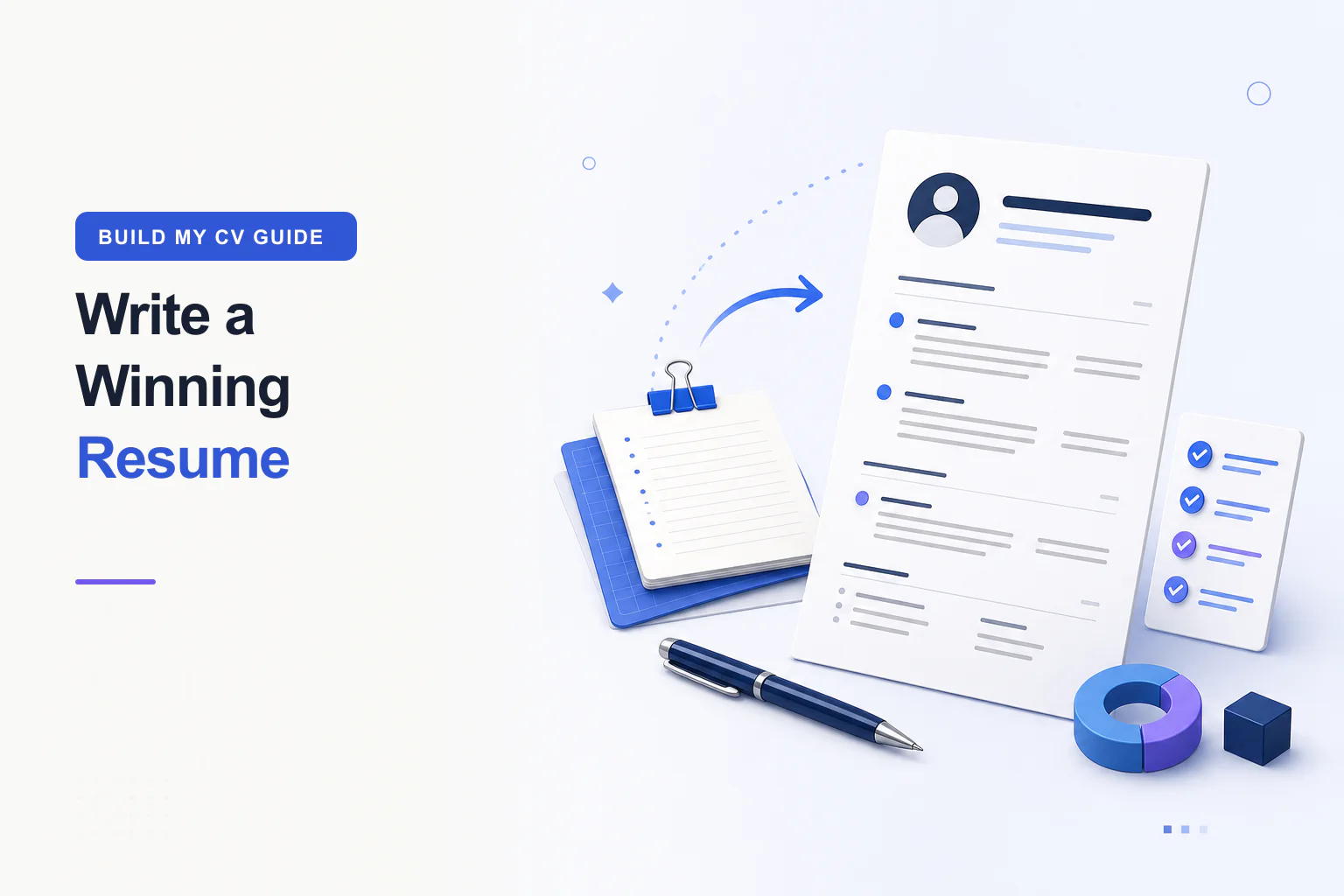
How to Write a Resume: A Practical Step-by-Step Guide
Build a focused resume that makes your relevant experience easy to understand.
Read the guideWrite stronger content, edit and customise each field, manage imports and exports, and create a document that people and hiring systems can review clearly.
Build a focused resume that makes your relevant experience easy to understand.
Read the guide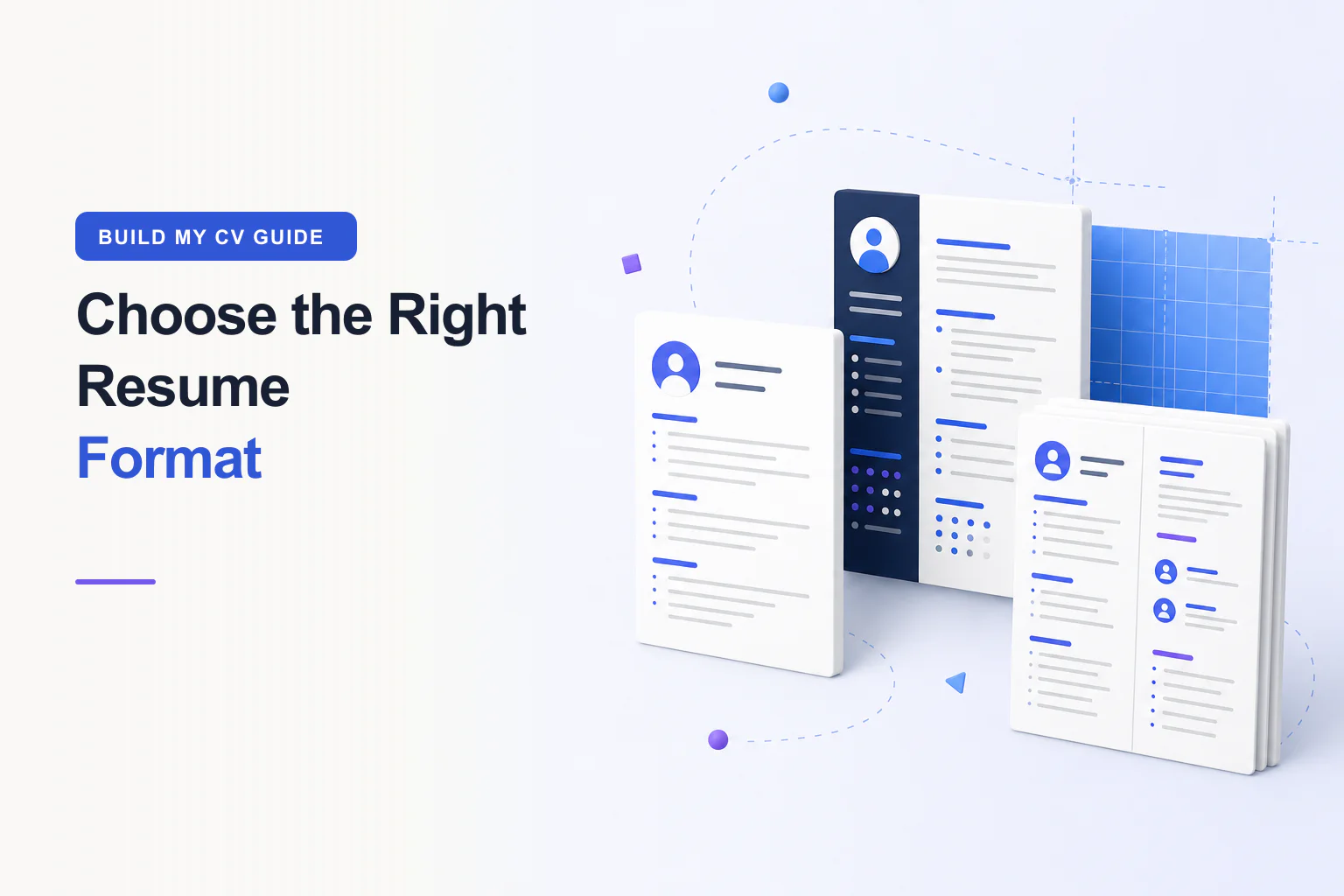
Compare chronological, functional, and combination formats—and choose a readable page setup.
Read the guide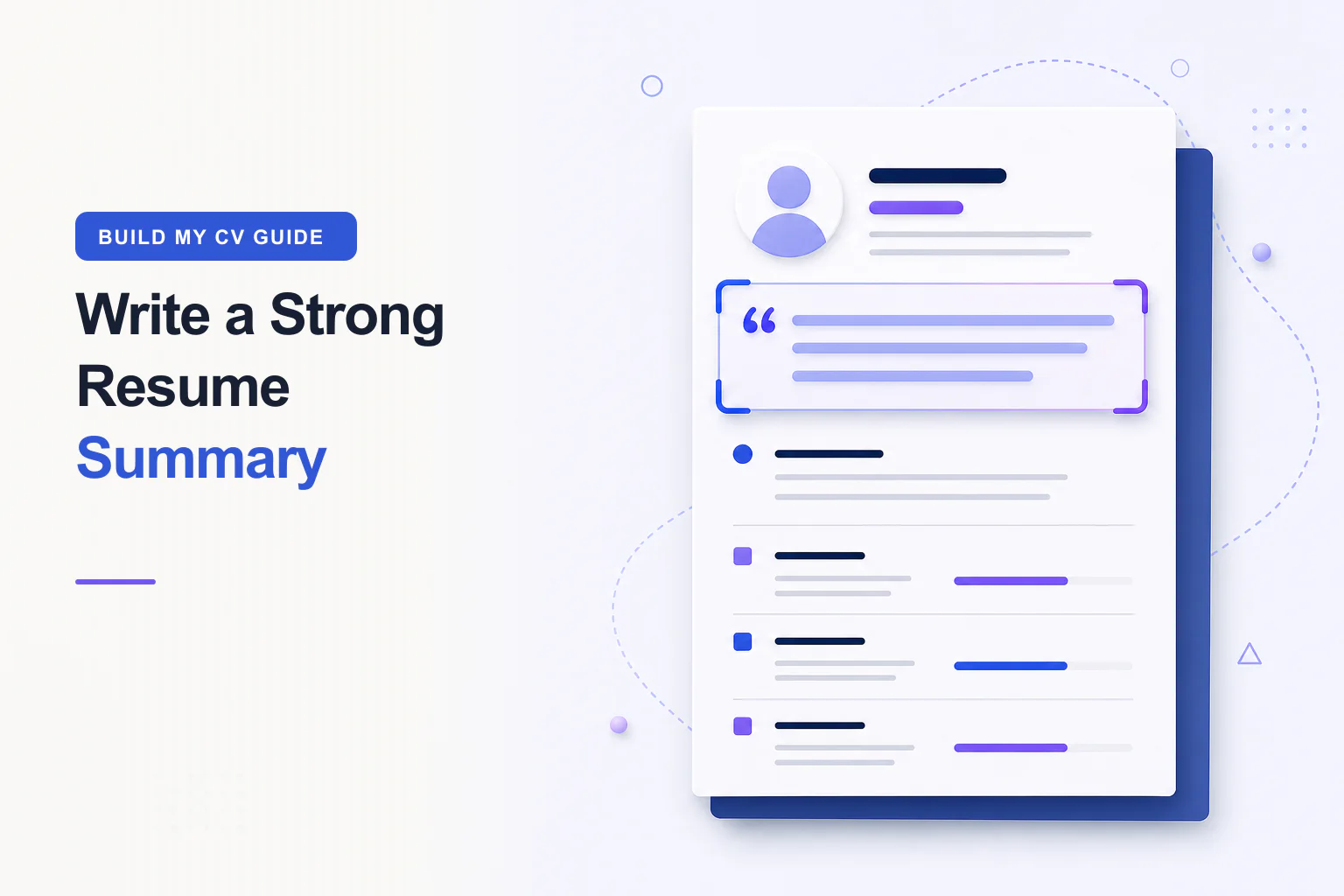
Use a practical formula and realistic examples to write a specific professional summary.
Read the guide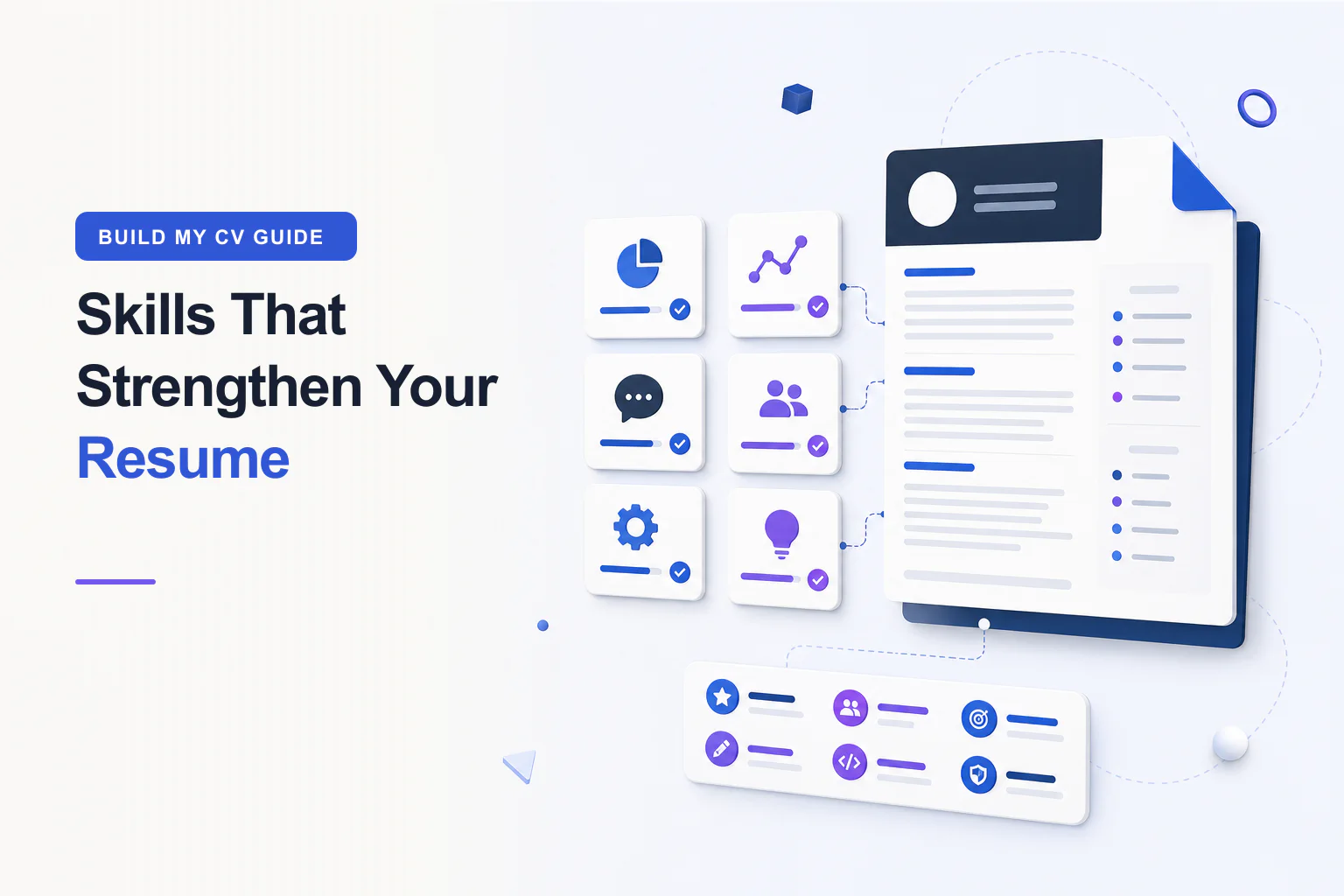
Choose relevant hard and soft skills, place them well, and support them with evidence.
Read the guide
Understand what applicant tracking systems do and create a resume that remains readable.
Read the guide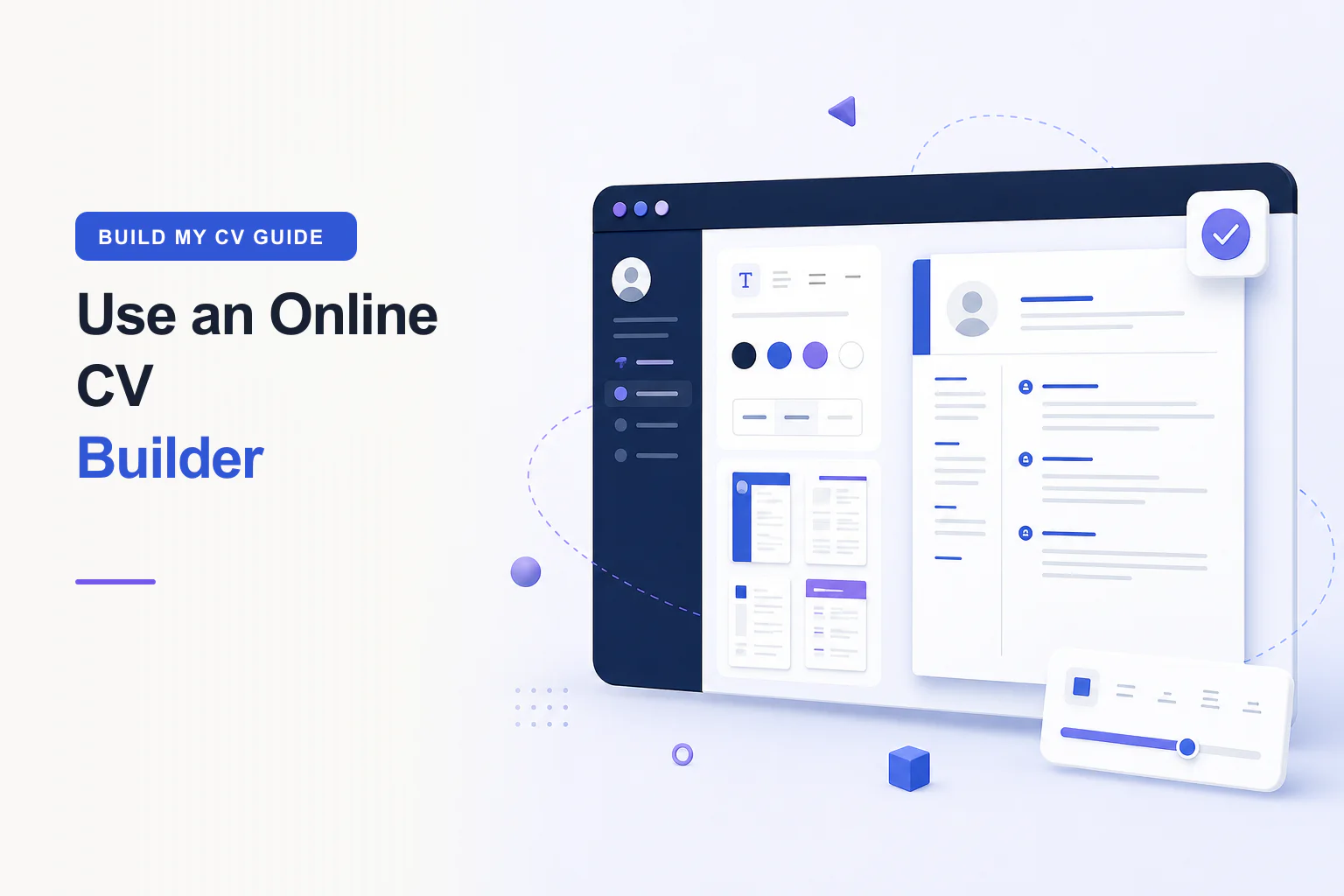
Learn how to use an online CV builder to choose a template, add credible content, check the live preview, and download a professional CV.
Read the guide
Edit your CV with a practical content audit that improves relevance, achievement bullets, section order, accuracy, readability, and final proofreading.
Read the guide
Customise CV fonts, sizes, weights, spacing, colours, photo crops, and individual fields while preserving readability and professional hierarchy.
Read the guide
Learn how to export, back up, import, review, and download your BuildMyCV data while protecting accurate versions and private CV information.
Read the guideStart with sample content or a blank page. No account and no hidden paywall.