
How to Use an Online CV Builder: Step-by-Step Guide
Learn how to use an online CV builder to choose a template, add credible content, check the live preview, and download a professional CV.
Reviewed by the BuildMyCV Editorial Team against the current builder interface, common employer application instructions, and accessible document-writing practices.
The editorial team completed the full BuildMyCV workflow on desktop and mobile, checked the resulting selectable-text PDF, and compared each recommendation with conventional reverse-chronological CV practice. Advice is educational and should be adapted to the instructions for each vacancy.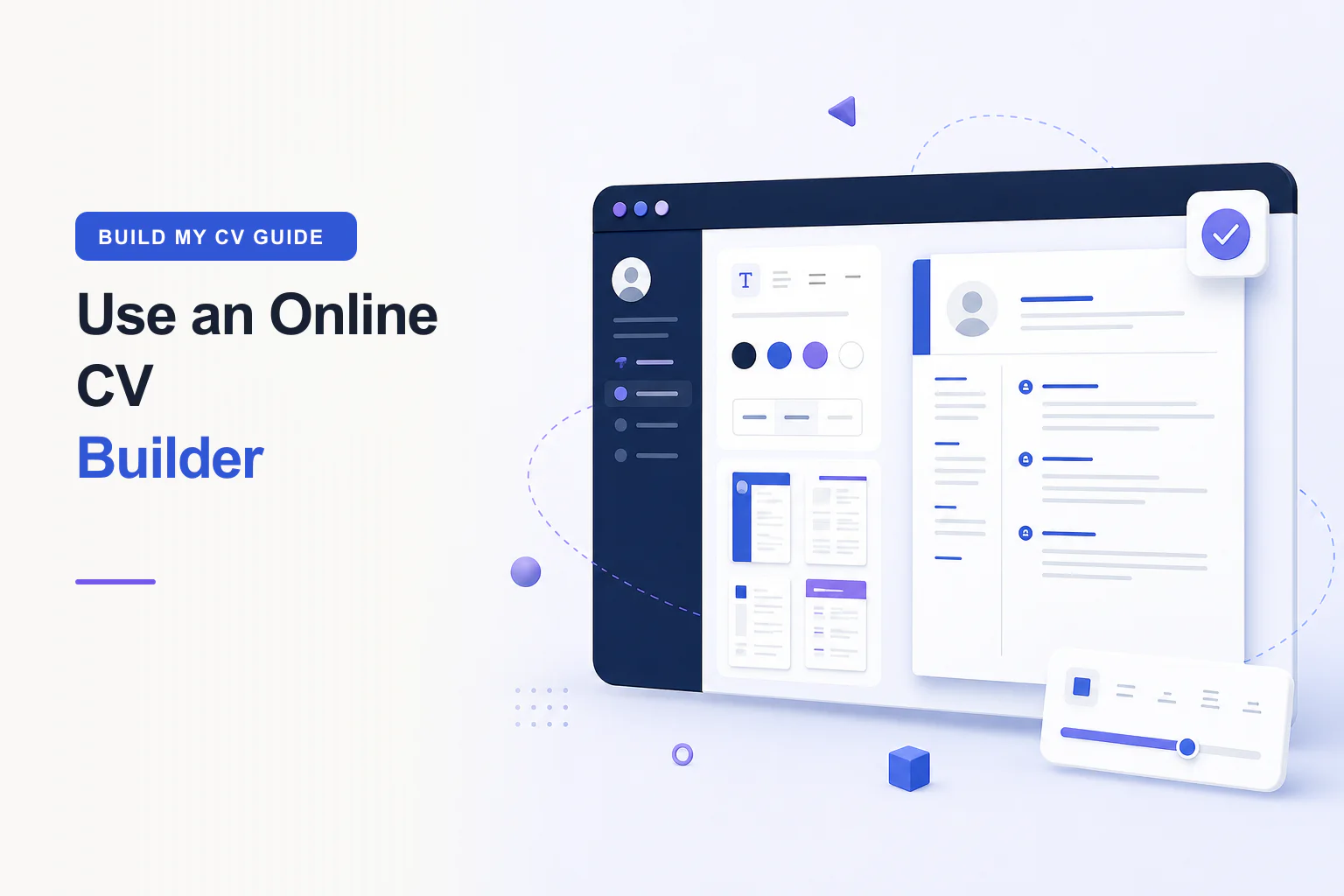
Using an online CV builder should make a job application easier, not turn it into a design project. This step-by-step online CV builder guide explains how to plan your content, choose a professional CV template, complete each section, review the live CV preview, and export a clean PDF. The process is based on the controls available in BuildMyCV and on widely used CV-writing conventions, so you can follow it while creating a real application document rather than a generic profile.
Prepare your evidence before opening the builder
Start with the vacancy rather than an empty CV form. Highlight the job title, essential skills, recurring responsibilities, required qualifications, tools, and outcomes. Then make a private evidence list drawn from employment records, project notes, performance reviews, certificates, and work samples. This preparation helps you enter accurate material and prevents the finished document from becoming a list of copied keywords. It also gives you a clear standard for deciding which older details deserve space.
Choose a CV template that supports your story
Open the professional CV templates gallery and filter by one page, two pages, style, or photo preference. Reverse-chronological layouts are a dependable starting point because they make recent experience and career progression easy to find. A one-page CV often suits students, graduates, and candidates with a focused history. A two-page CV can give senior or specialist applicants room for recent accomplishments, credentials, and projects without compressing the typography.
Treat the optional photo feature as a choice, not a requirement. Expectations differ by country and industry, and some employers prefer an application without a photograph. If you use one, select a current professional headshot and reposition it so the face remains clear in the crop. The template should work even when no image is uploaded. For conservative or parsing-sensitive applications, favour simple headings, obvious reading order, and essential contact details written as text.
BuildMyCV lets you edit beside a live CV preview and save privately in your browser.
Start building your CVComplete personal details accurately
Enter your name as you use it professionally, followed by a specific professional title that matches your genuine direction. Add an email address you monitor, a complete international phone format when applying abroad, and a useful location such as city and country. LinkedIn and portfolio links should lead to current pages that support the application. Test every link before export, and remove empty labels rather than leaving placeholders in the finished CV.
Your street address, date of birth, marital status, identification numbers, and unrelated social profiles usually do not belong in a modern CV unless a legitimate local or sector requirement says otherwise. Share the minimum personal information an employer needs to identify and contact you. This reduces clutter and limits unnecessary exposure. When a recruitment portal asks for additional information, provide it through the employer’s secure form rather than forcing it into the CV header.
Write the summary and experience in evidence order
Draft the professional summary after you understand the role. In two to four compact lines, identify your professional area, relevant context, and a few strengths demonstrated later in the document. Put the main CV keyword in natural language near the beginning, but never paste a string of search terms. A useful summary gives the reader a frame; it does not replace work history or make unsupported claims about being exceptional, visionary, or best in class.
For each recent position, add the official title, employer, location when useful, and consistent dates. Order bullet points by relevance and impact rather than by memory. Begin with a direct verb, explain the work or decision, add context, and state the outcome when known. Use present tense for ongoing responsibilities and past tense for completed work. Older or less relevant positions can be shortened so recent evidence receives the most attention.
Add education, skills, and supporting sections
List the qualification, institution, and completion date or expected date. Recent graduates can include relevant modules, projects, awards, or a strong classification when these help the target application. Experienced candidates can keep education more concise. Do not claim an incomplete qualification as completed; label its status clearly. Professional certifications should include the issuing organisation and a valid date when currency matters to the work.
Use the skills section for capabilities you can explain or demonstrate, such as Excel modelling, Python, patient scheduling, copy editing, procurement, or account planning. Group technical tools when this improves scanning, and show priority skills again in experience bullets where they have context. Add projects, languages, volunteering, publications, or licences only when they strengthen the reader’s understanding of your suitability. More sections do not automatically create a stronger CV.
Use the live CV preview while you edit
The live CV preview is a decision tool, not merely a final screen. Check it after completing each major section. Look for crowded lines, uneven spacing, headings stranded at the bottom of a page, and a second page containing only a few words. Previewing early helps you shorten repetition or change the section order before formatting problems become difficult to diagnose. On mobile, switch between Edit, Preview, and Design views to inspect the same document deliberately.
Customise the design with restraint
Start with global typography and spacing so the document has a consistent baseline. Choose one of the available readable font families, set a comfortable body size, and make headings distinct through size or weight. The field-specific controls can emphasise a name, role title, date, or section label, but excessive variation weakens hierarchy. Italic text works best for short secondary details, while body paragraphs and achievement bullets generally need a regular, readable style.
Choose an accent colour with enough contrast on a white page and check both the screen preview and print output. Adjust page size to A4 or US Letter according to the employer’s instructions and local convention. If the content overflows, edit repeated or weak material before shrinking everything. A professional CV remains comfortable to read at normal zoom; fitting more words onto the page is not valuable when the reader has to struggle with them.
Review, download, and keep an application copy
Run three reviews. First, check facts: names, dates, qualifications, links, metrics, and contact details. Second, check language: tense, punctuation, spelling, repeated verbs, and vague claims. Third, check layout at 100 percent zoom and in the print preview. Copy a paragraph from the PDF into a plain-text editor to confirm that the text remains selectable and arrives in a sensible order. Follow the employer’s requested file format whenever one is specified.
Select Download PDF, use the browser print dialog, and save with a clear filename such as samira-khan-operations-manager-cv.pdf. Reopen that exact file before attaching it. Keep the exported PDF together with the vacancy and a note of the submission date, because the CV may be tailored differently for another role. A reliable application record also makes interview preparation easier: you know precisely which achievements, skills, and dates the employer has reviewed.
Final review checklist
- The target role is clear within the first third of the page.
- Recent bullets show actions, context, and useful outcomes.
- Dates, tense, punctuation, and links are consistent.
- Body text remains comfortable to read at 100% zoom.
- The exported PDF contains selectable text and clean page breaks.
Compare our ATS-friendly CV templates or open the free online CV builder.
Sources, review, and limitations
The editorial team completed the full BuildMyCV workflow on desktop and mobile, checked the resulting selectable-text PDF, and compared each recommendation with conventional reverse-chronological CV practice. Advice is educational and should be adapted to the instructions for each vacancy.
- The current BuildMyCV editor, template gallery, live preview, and PDF workflow
- The target employer’s vacancy description and application instructions
- The applicant’s verified employment, education, project, and achievement records
BuildMyCV publishes practical educational guidance, not hiring guarantees or individualized legal advice. Employer instructions and current local requirements take priority.